


#2350 closed bug (fixed)
Segment violation in FillRectNoClipping when booting on eeePC
| Reported by: | exparrot | Owned by: | axeld |
|---|---|---|---|
| Priority: | normal | Milestone: | R1 |
| Component: | Servers/app_server | Version: | R1/pre-alpha1 |
| Keywords: | Cc: | ||
| Blocked By: | Blocking: | #2650 | |
| Platform: | x86 |
Description
STR:
- dd the nightly raw image from June 8th to the internal ssd
- boot and select 640x480x16 as the failsafe video mode in the bootloader
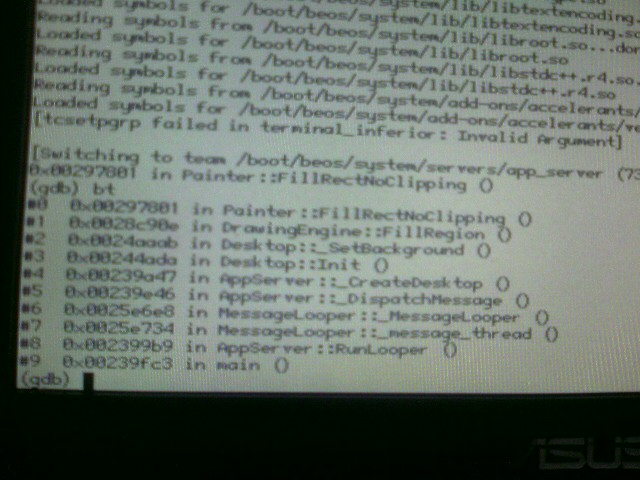
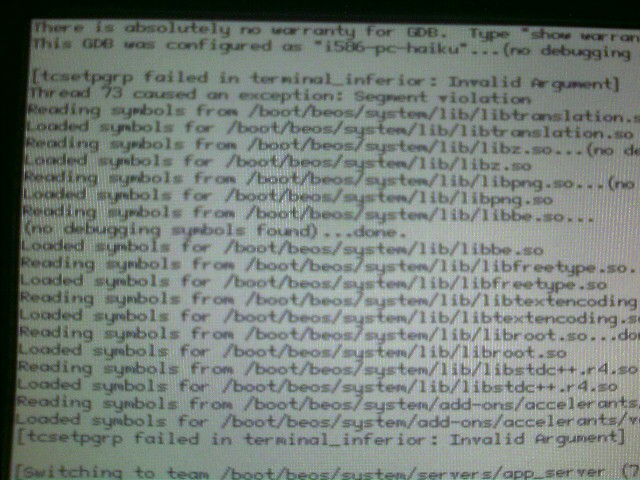
Actual behaviour: Dumps me to GDB showing attached screenshots.
Expected behaviour: Booting to desktop.
Attachments (3)
Change History (23)
by , 16 years ago
| Attachment: | IMAGE_00174.jpg added |
|---|
comment:2 by , 16 years ago
I'll see if I can reproduce this problem with the EeePC 900. @diver: it doesn't necessarily need to have anything to do with #634. This crash happens if the app_server draws out of the bounds of the screen, but this can have many reasons.
follow-up: 4 comment:3 by , 16 years ago
I can't reproduce this one with the EeePC 900. No matter if safe-mode or not, it always works nicely.
I guess on the 701, only 640x480 is available in the safe-mode menu? Does it work at all if you don't select a safe-mode video mode, but just boot?
comment:4 by , 16 years ago
Replying to axeld:
I guess on the 701, only 640x480 is available in the safe-mode menu? Does it work at all if you don't select a safe-mode video mode, but just boot?
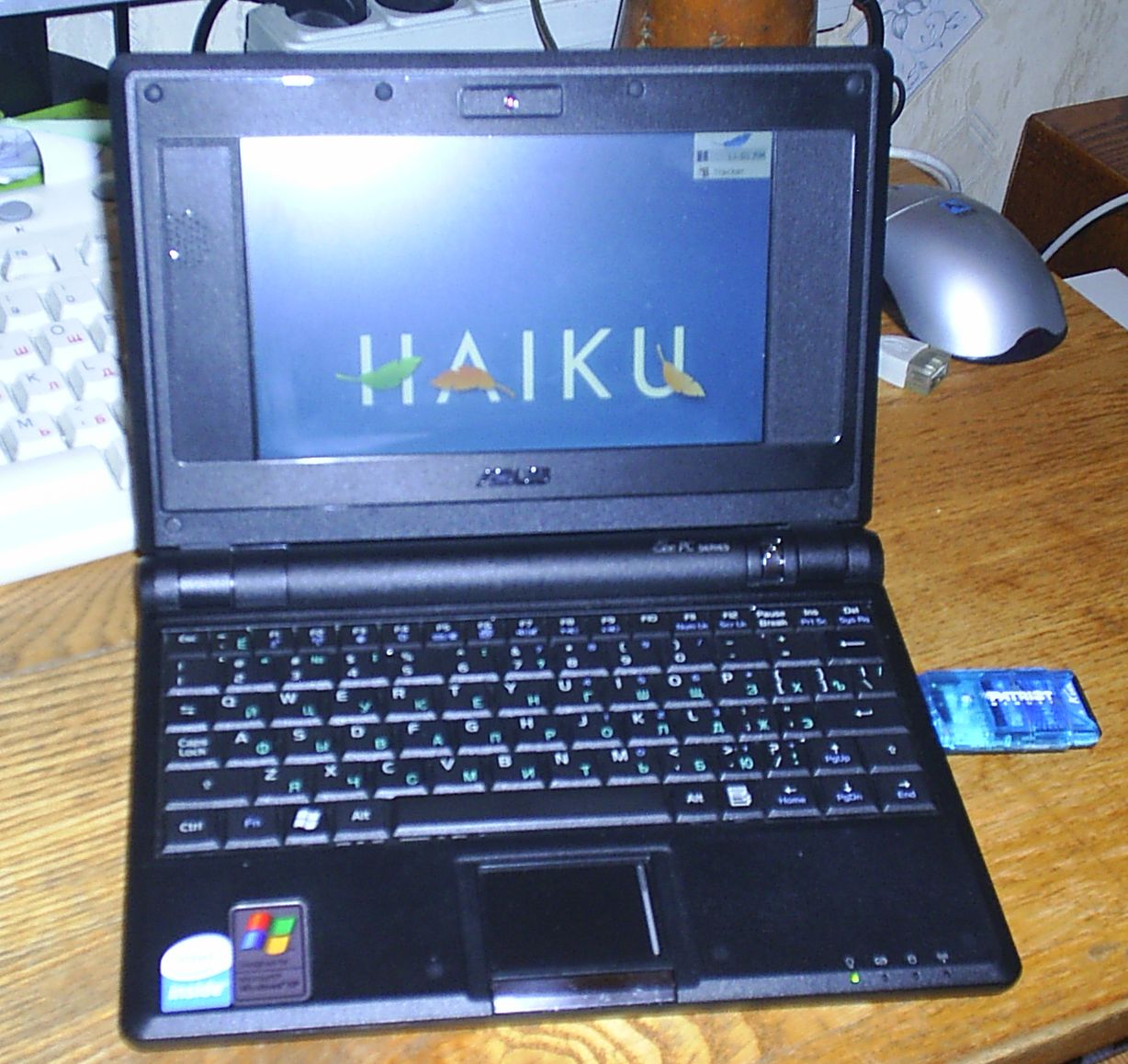
Correct, only 640x480 is available in the menu (along with Standard VGA). However, booting without selecting this results in a crash with a sing half-row of blue pixels along the top of the screen.
I've bricked the eeePC for the time being, so won't be able to test this further in the near future.
by , 16 years ago
| Attachment: | s3010015.jpg added |
|---|
comment:5 by , 16 years ago
Very nice. I've un-bricked the machine now so would be keen to hear how to make this work.
comment:6 by , 16 years ago
User OlegMS reports that he gets the same crash with his Dell inspiron 1300 backtrace is identical to already attached IMAGE_00174.jpg.
comment:7 by , 16 years ago
The problem seems to be that app_server and the graphics driver are out of sync with regards to the current resolution. In another words, the app_server thinks that the driver is in another resolution than it actually is. Then it writes to the frame buffer out of bounds which leads to the crash. From what I hear from mmlr, the problem can be worked around by copying a resolution settings file which forces an initial mode switch and syncs app_server to the driver or vice versa. (mmlr, does a vesa settings file suffice?) I have not yet had a chance to look into the root cause of the problem.
comment:8 by , 16 years ago
The way I work around it is to boot in safe video mode by booth setting "Use Failsafe Video Mode" and choosing a video mode in the boot menu, then when booted use the Screen preflet to select any mode different than the current one (doesn't matter). This will cause a settings file to be written. The resolution used when rebooting is then chosen based on the preferred mode of the graphics driver disregarding the settings file. The issue seems that the preferred mode isn't used when there is no settings file at all. What I could imagine is that when there is a settings file it will try to set that mode, which will fail for the intel driver (as it only allows the native resolution) and then fall back to the preferred mode. If there is no settings file, it won't try setting the mode and won't fall back either.
follow-up: 11 comment:10 by , 16 years ago
I have the same problem on my laptop, which has an intel GMA chipset (id 2a03). After the setting file is there, it works correctly. But Screen only shows the native resolution (1280x800), while in vesa I can use also different resolutions. Axel, is there anything I can test ?
follow-up: 12 comment:11 by , 16 years ago
Replying to jackburton:
Axel, is there anything I can test ?
Since Michael obviously has no interest in fixing this (pun intended :-)), I guess it's your task now :-) I would start printing what kind of resolutions the app_server tries to set, which one it finally uses, and that for both sides, the app_server, and the accelerant.
comment:12 by , 16 years ago
Replying to axeld:
Replying to jackburton:
Axel, is there anything I can test ?
Since Michael obviously has no interest in fixing this (pun intended :-)), I guess it's your task now :-) I would start printing what kind of resolutions the app_server tries to set, which one it finally uses, and that for both sides, the app_server, and the accelerant.
Is there any way to print to syslog from userland ? Otherwise I can't see how I could see what I print from app_server side. Hmmm, maybe try to dump to a file...
follow-up: 14 comment:13 by , 16 years ago
As long as syslog is enabled, everything you "debug_printf()" from userland should end up there as well. Also, there is always the POSIX method via the syslog() function :-)
comment:14 by , 16 years ago
Replying to axeld:
As long as syslog is enabled, everything you "debug_printf()" from userland should end up there as well. Also, there is always the POSIX method via the syslog() function :-)
Yes, and simple printf works well if you setup boot stdout like this in BootScript: exec >/dev/dprintf 2>&1
follow-up: 17 comment:16 by , 16 years ago
BTW I didn't ask if the problem is gone also for diver, exparrot and mmlr. Can you confirm it works now ?
comment:17 by , 16 years ago
Replying to jackburton:
BTW I didn't ask if the problem is gone also for diver, exparrot and mmlr. Can you confirm it works now ?
Oops, I was sure I'd already replied to this to say it was working... probably about a month ago...
comment:18 by , 16 years ago
I've asked a user who originally reported it, so i'm waiting for reply.
comment:19 by , 16 years ago
Sorry, I had forgot to commit part of the fix. The revision which really fixes the problem is hrev27903.




Bottom half of the gdb screen showing the backtrace I asked for