


#2620 closed bug (duplicate)
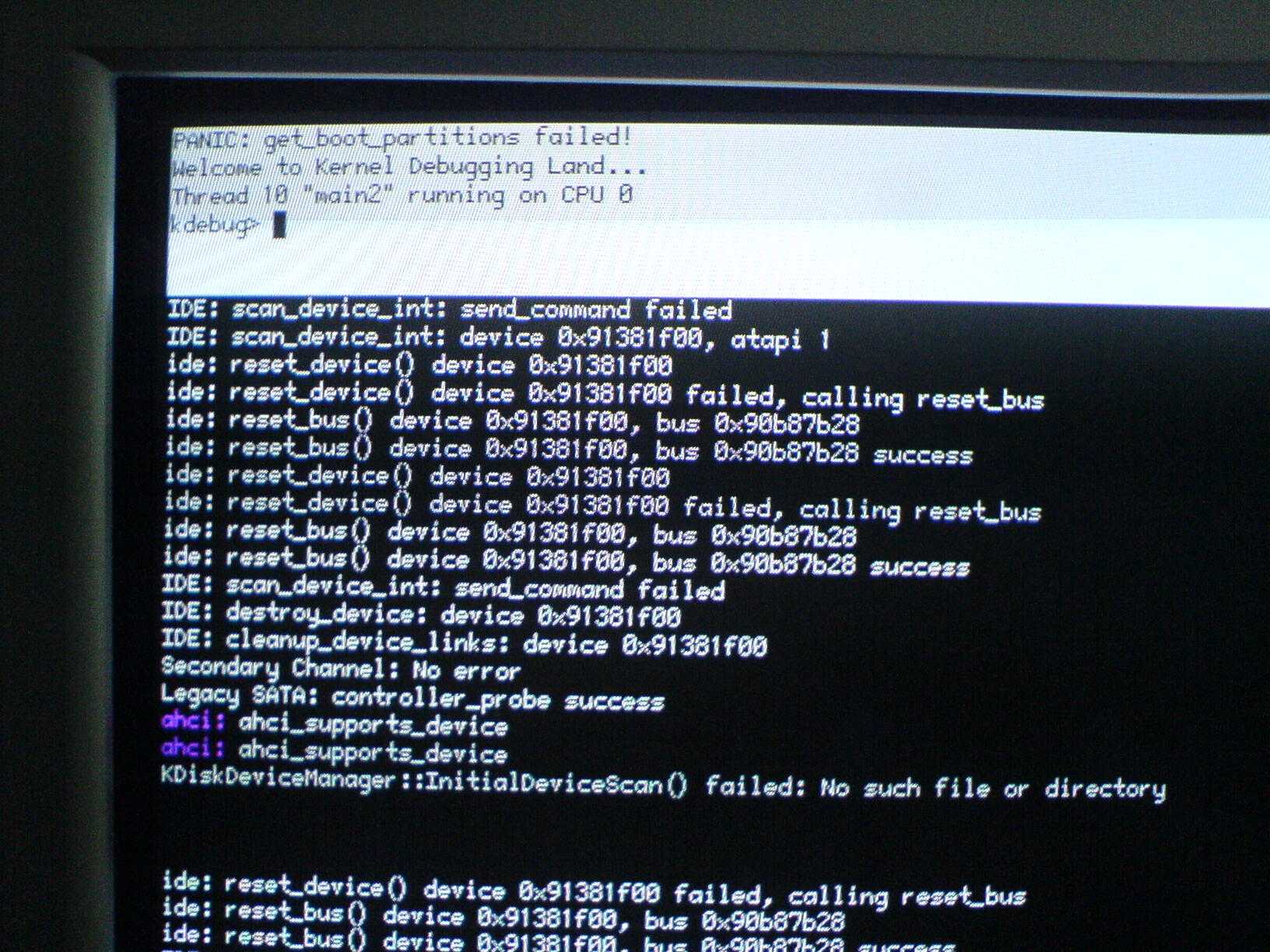
USB boot problem: "PANIC: did not find any boot partitions!"
| Reported by: | luroh | Owned by: | axeld |
|---|---|---|---|
| Priority: | normal | Milestone: | R1 |
| Component: | - General | Version: | R1/pre-alpha1 |
| Keywords: | Cc: | ||
| Blocked By: | Blocking: | #3313 | |
| Platform: | All |
Description
Boot process panics after the 4th boot splash icon has lit up, when trying to boot from a USB stick. Stack crawl attached.
Interestingly enough, the problem doesn't trigger if I have my bootable Haiku IDE HDD attached while booting from the USB stick.
Attachments (9)
Change History (19)
by , 16 years ago
comment:1 by , 16 years ago
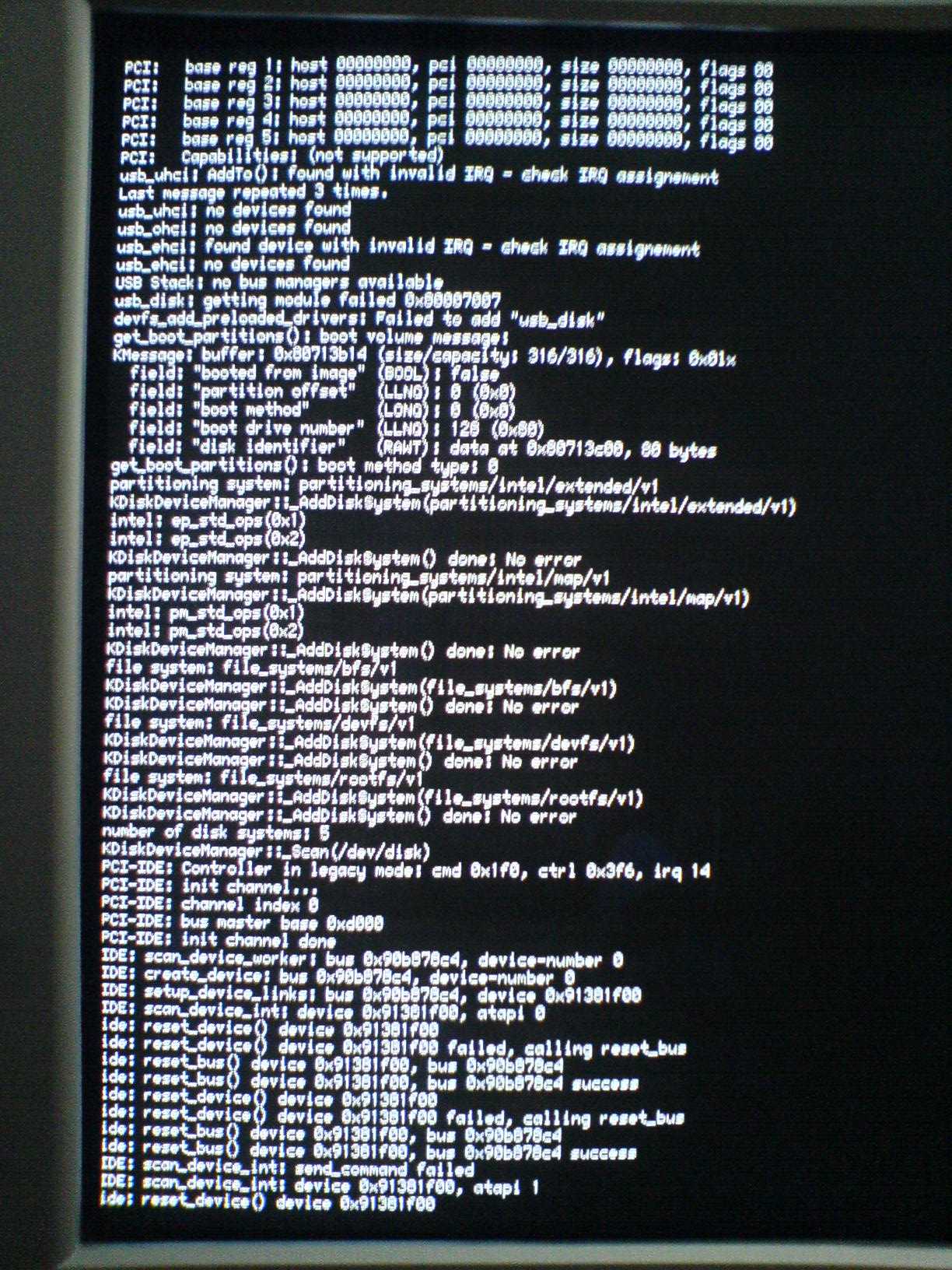
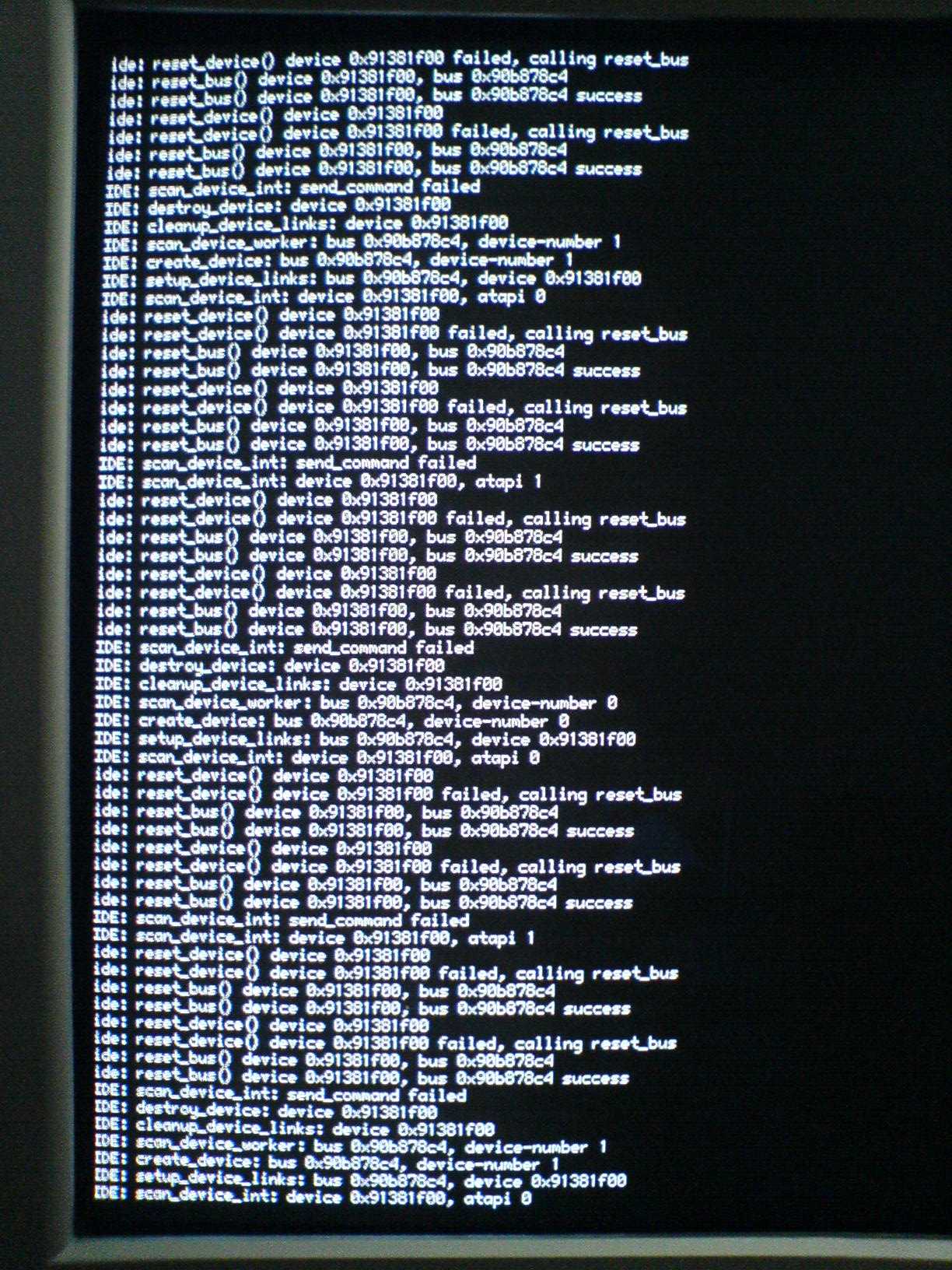
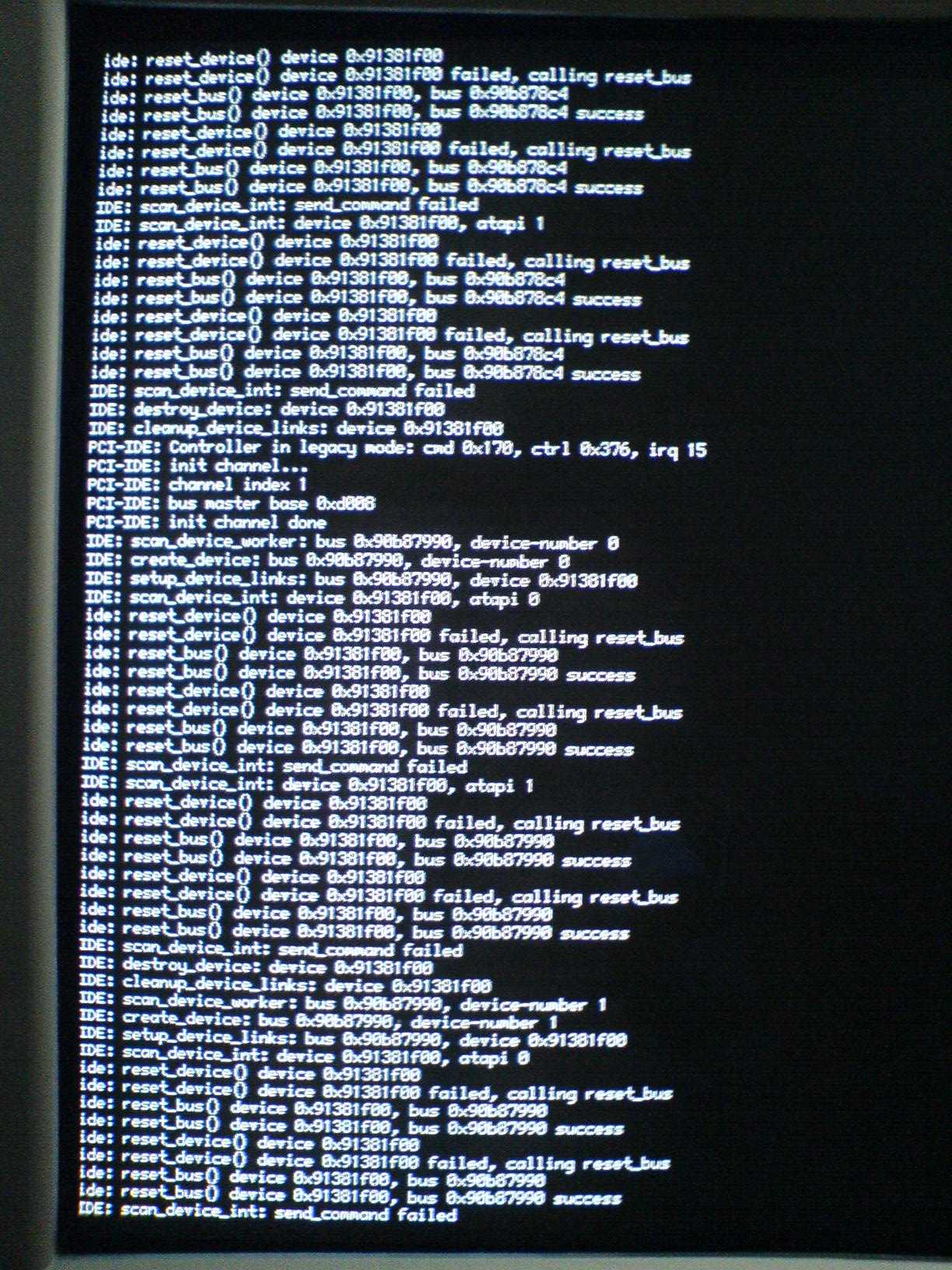
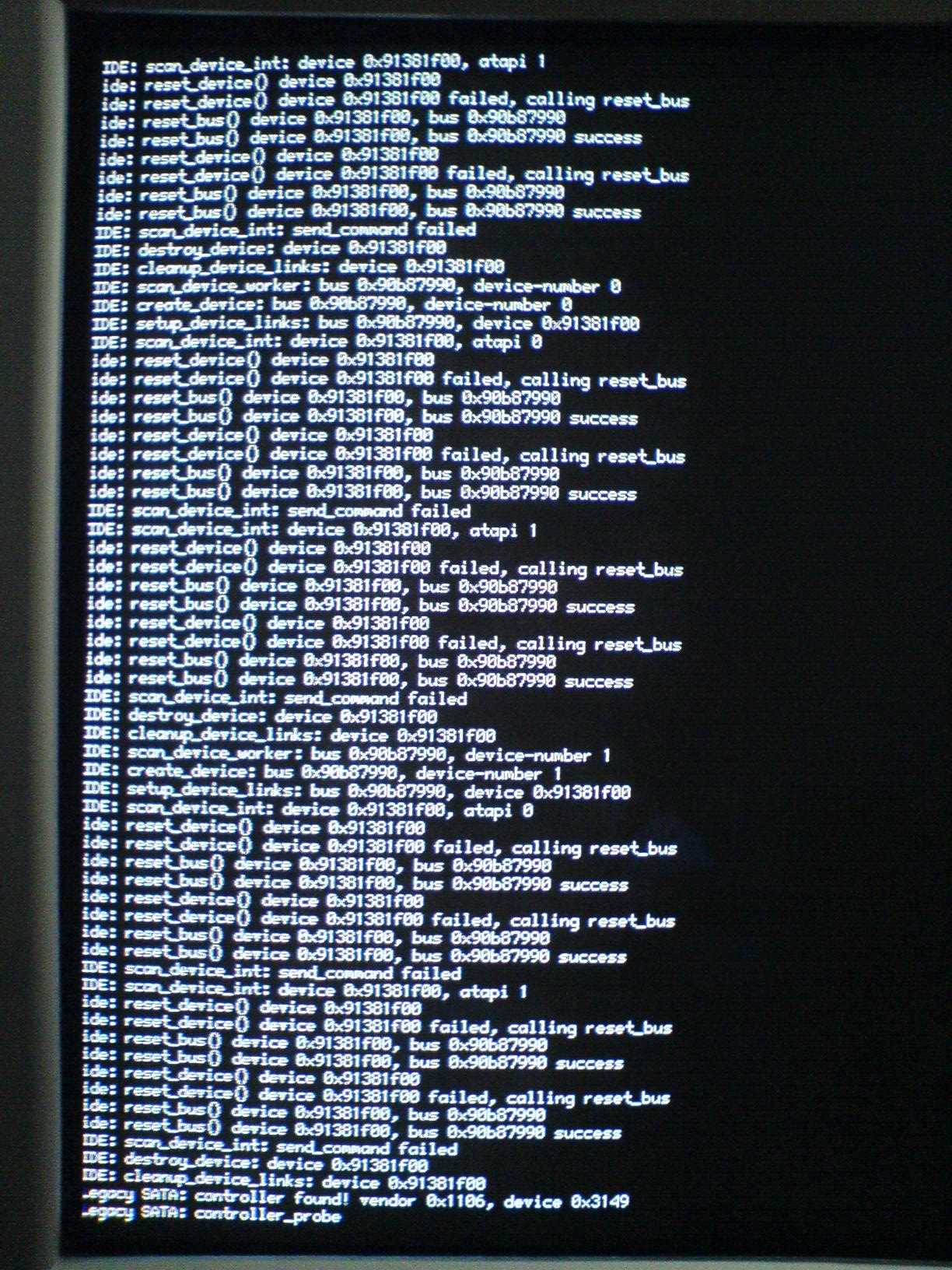
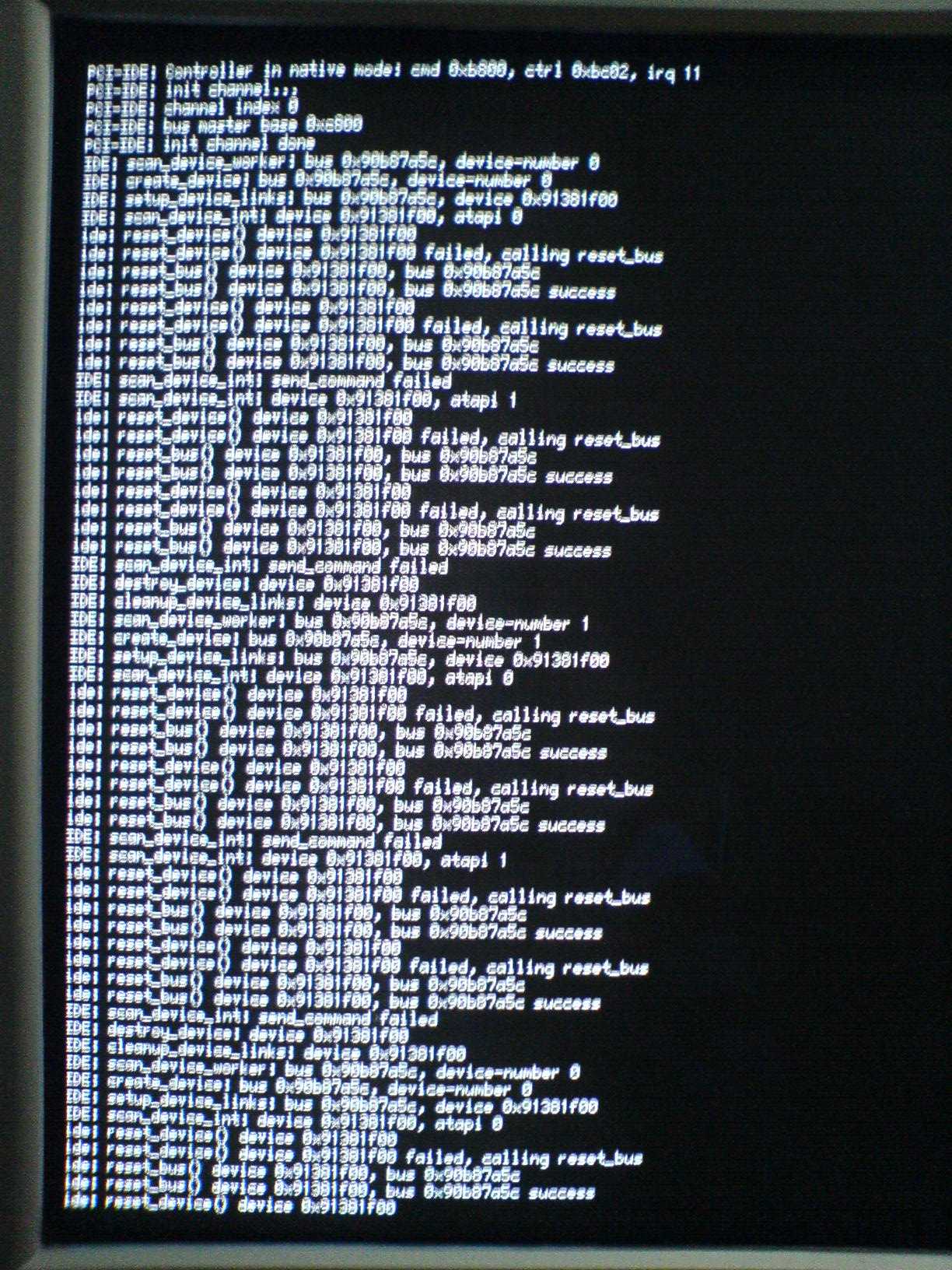
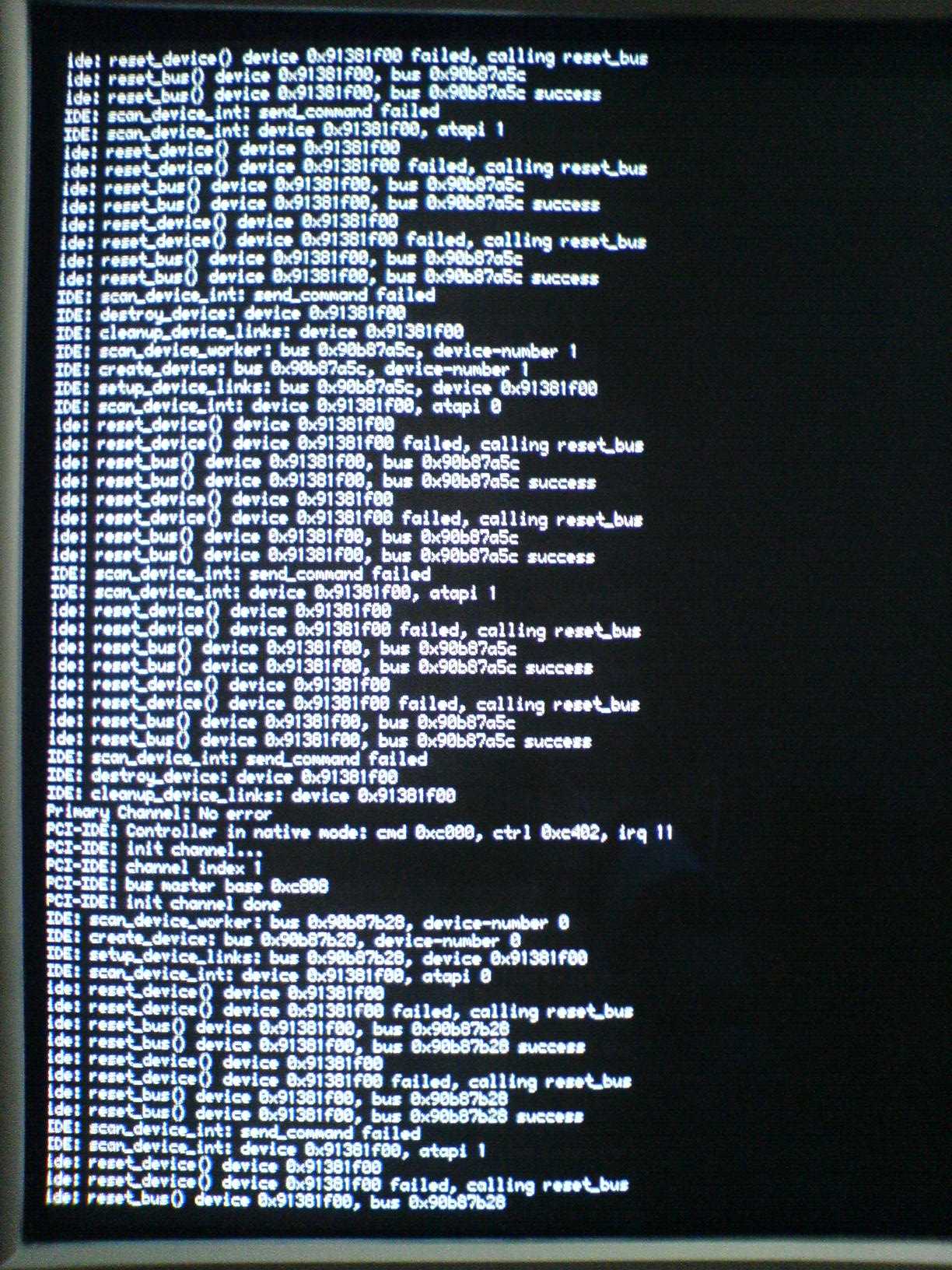
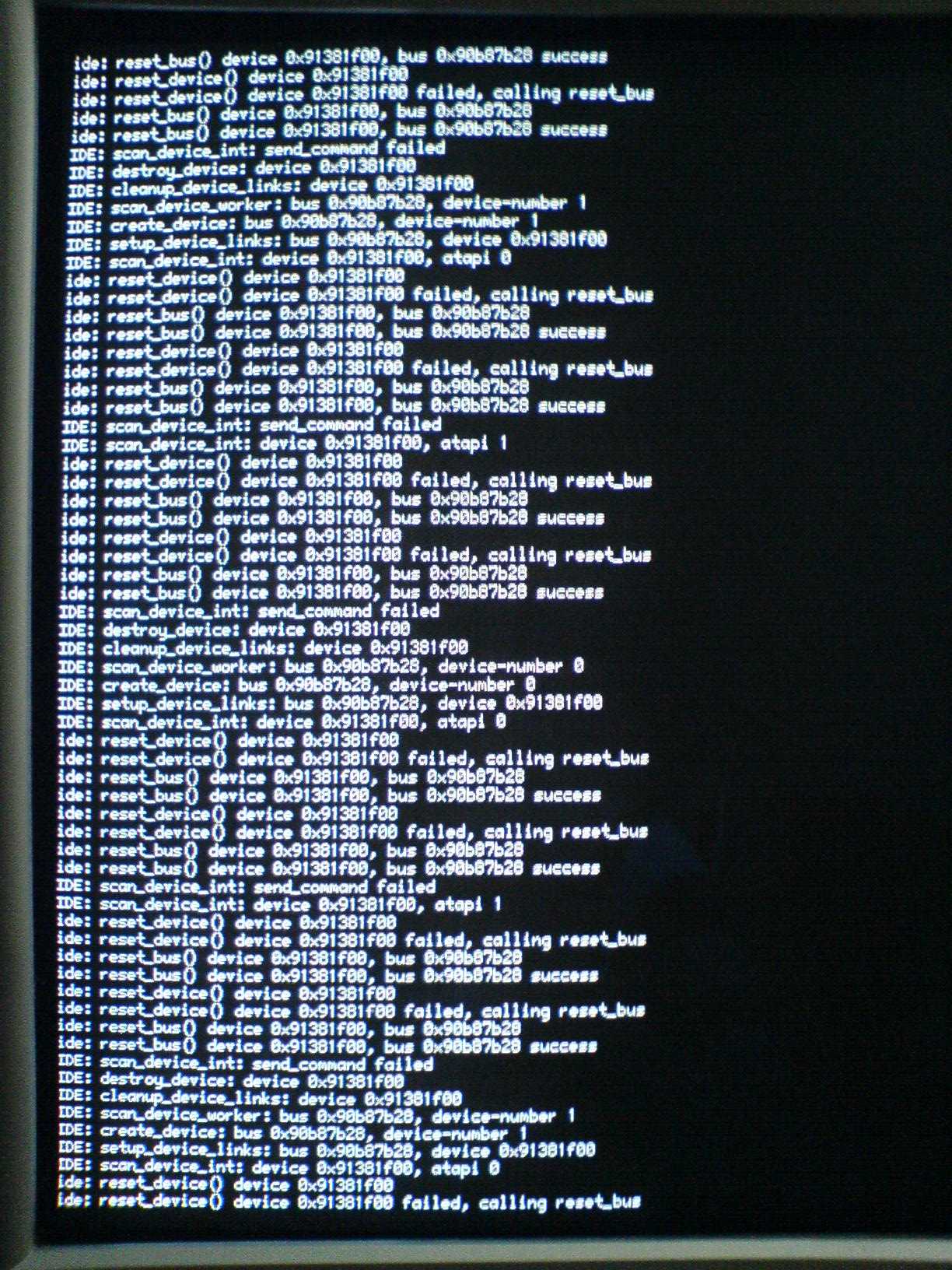
A stack trace in that case is not very helpful, as it is not where the problem happens. What is interesting instead is the debug output from boot either through serial debugging or per screenshots of on-screen debug output. What size is that USB stick and are you sure the whole image actually did fit on it? Bug #2602 documents the issue where a image didn't actually fit on the device.
comment:2 by , 16 years ago
Scratch that, in fact it's bug #2587 that documents the non-fitting image.
by , 16 years ago
by , 16 years ago
by , 16 years ago
by , 16 years ago
by , 16 years ago
by , 16 years ago
by , 16 years ago
by , 16 years ago
comment:3 by , 16 years ago
Thank you for the instructions. There were about 15 pages of debug output of which I have attached the latter half. I believe the USB stick itself is OK, it's a USB 2.0 1GB stick onto which I copy a 200MB image, containing nothing extra but Firefox, using the command: sudo dd if=./generated/haiku.image of=/dev/sdb The same stick can boot another computer (my laptop) without any problems. The problematic computer above is a desktop machine with an Asus A8V-E Deluxe motherboard (based on the VIA K8T890 chipset).
comment:4 by , 16 years ago
| Blocked By: | 5 added |
|---|---|
| Resolution: | → duplicate |
| Status: | new → closed |
The cause can be seen in the first screenshot at the top. Both the UHCI and EHCI controllers present have invalid IRQ assignments, which means that the BIOS didn't initialize interrupt routing for them. That means, this is in fact a duplicate of bug #5. If it works when you have a IDE disk connected this probably causes the BIOS to do some additional setup that it doesn't do when that's not the case. Maybe there are some USB legacy settings in the BIOS that you can try changing, otherwise there's not much you can currently do.
comment:6 by , 15 years ago
| Blocking: | 3313 added |
|---|
comment:7 by , 11 years ago
| Blocked By: | 5 removed |
|---|
(In #5) All but one of the blocking tickets have been closed out, and that one just needs confirmation as to whether it's been fixed or not. So I say let's close this one out as being fixed, seeing as the reported symptoms have gone away.
comment:8 by , 10 years ago
This instruction is just a help for new Haiku beginners:
Current possibly way to resolve this problem: unplug all USB devices (like USB mouse) before boot haiku, of course except the haiku LiveUSB Stick. After boot, the devices can be plug again.
follow-up: 10 comment:9 by , 10 years ago
Kenboo, how are you supposed to boot Haiku from a USB stick while the stick is disconnected? I know you are probably trying to help but please refrain from posting nonsense. Also, it's 'Haiku', not 'Haiku OS'.
comment:10 by , 10 years ago
Replying to luroh:
Kenboo, how are you supposed to boot Haiku from a USB stick while the stick is disconnected? I know you are probably trying to help but please refrain from posting nonsense. Also, it's 'Haiku', not 'Haiku OS'.
Did it put simply bad. I have for some time tried to create a LiveUSB stick, but long does not work and have it only occasionally get because I follow from time to development. Apparently the error occurs when multiple USB devices are connected simultaneously. This post is now intended for beginners who want to try Haiku on a stick, but can not because of this error. Because this solution is very difficult to achieve.









stack trace