


Opened 17 years ago
Closed 15 years ago
#1575 closed enhancement (invalid)
Screenshot of vlc in overlay mode (while playing a video) shows a black rectangle
| Reported by: | kaoutsis | Owned by: | axeld |
|---|---|---|---|
| Priority: | normal | Milestone: | R1 |
| Component: | Servers/app_server | Version: | R1/pre-alpha1 |
| Keywords: | Cc: | ||
| Blocked By: | Blocking: | ||
| Platform: | All |
Description
a) open vlc to play an internet tv station stream. b) while vlc is playing the video, press "print screen" key to take a screenshot, c) open the screenshot-image with ShowImage, vlc window has a black rectangle.
more: start vlc again, open a video, or let vlc plays the previous video; move litle by litle the ShowImage window (with contains the screenshot with the black vlc window, in front of vlc, surprise! in the black vlc window of the ShowImage, you see the video that vlc plays in the background.
note: vlc doesn't have this behavior on hrev5, so i guess it is not vlc bug.
Attachments (1)
Change History (14)
by , 17 years ago
| Attachment: | screen1.png added |
|---|
follow-up: 2 comment:1 by , 17 years ago
This is a feature of overlay : http://en.wikipedia.org/wiki/Video_overlay I wouldn't consider this as a bug though.
comment:2 by , 17 years ago
Replying to korli:
This is a feature of overlay : http://en.wikipedia.org/wiki/Video_overlay I wouldn't consider this as a bug though.
Thanks for the link.
first i must make a correction (examine more closely the ticket): hrev5 has exactly the same behavior. the window in the screenshot is not black but gray (so the note on the description is not correct), i still don't know how this came out to my mind:)
So i guess no screenshot is possible?
follow-up: 4 comment:3 by , 17 years ago
| Component: | - General → Servers/app_server |
|---|---|
| Type: | bug → enhancement |
It's possible - the app_server could copy the overlay into the screenshot - like it already does for the hardware cursor. I'll change this to an extension :-)
comment:4 by , 17 years ago
Replying to axeld:
It's possible - the app_server could copy the overlay into the screenshot - like it already does for the hardware cursor.
Does it ? But we don't even have an hardware cursor yet :)
comment:5 by , 16 years ago
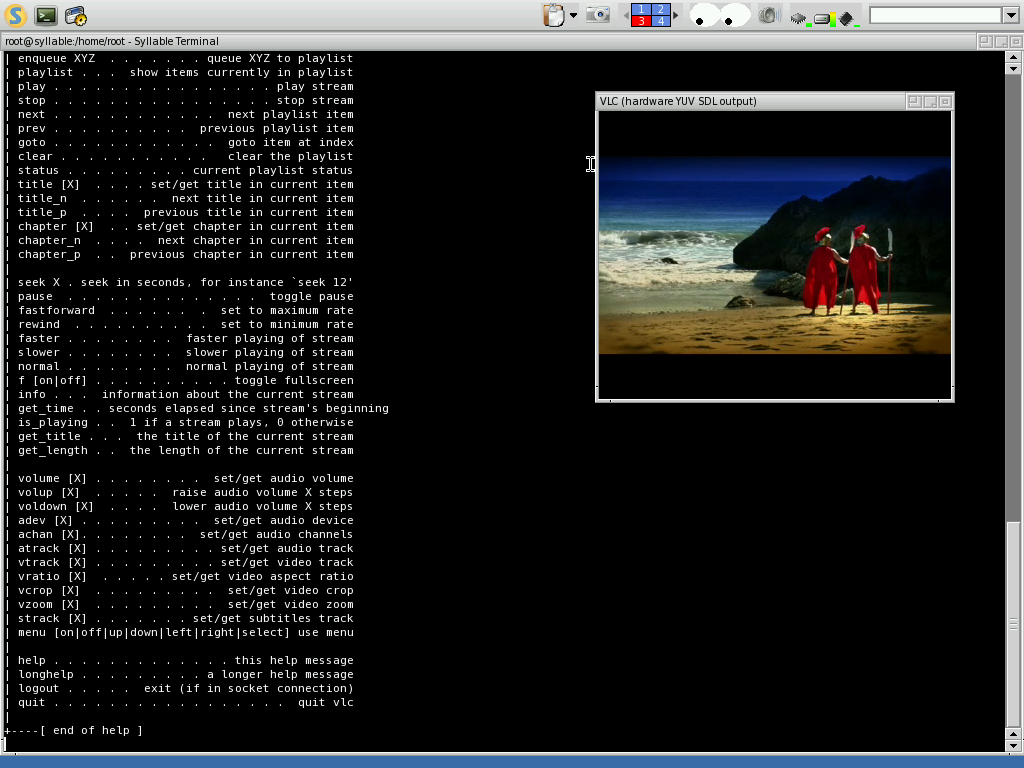
Just for the record: http://web.syllable.org/images/screenshots/Desktop/0.6.5/VLC-on-Syllable-0.6.5.png
comment:8 by , 16 years ago
comment:9 by , 16 years ago
| Summary: | Screenshot of vlc (while playing a video) shows a black rectangle → Screenshot of vlc in overlay mode (while playing a video) shows a black rectangle |
|---|
comment:10 by , 16 years ago
That's normal, since the screenshot is taken from the frame buffer, while the actual bitmap data that's shown in overlay mode never actually hits that (the bitmaps being drawn/scaled into that are reside directly in the graphics card's VRAM). It'd take quite some hacks to get that to take a screenshot properly in such a case.
comment:13 by , 15 years ago
| Resolution: | → invalid |
|---|---|
| Status: | new → closed |



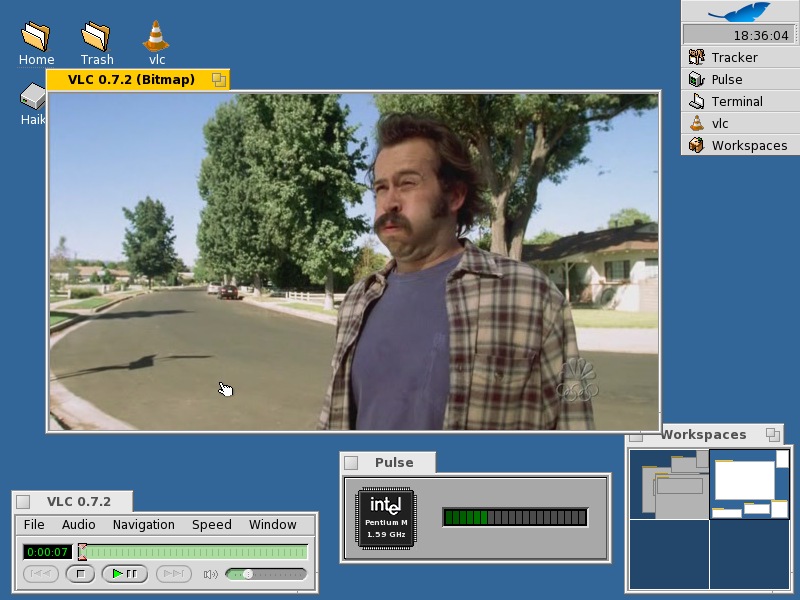
a screenshot of vlc with the black rectangle